Puzzle Game: A Unique Editable Text Effect for Creative Projects
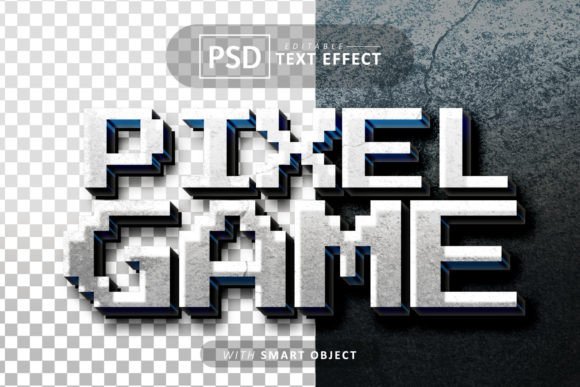
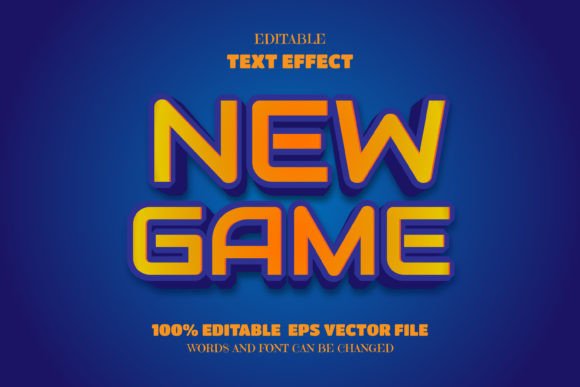
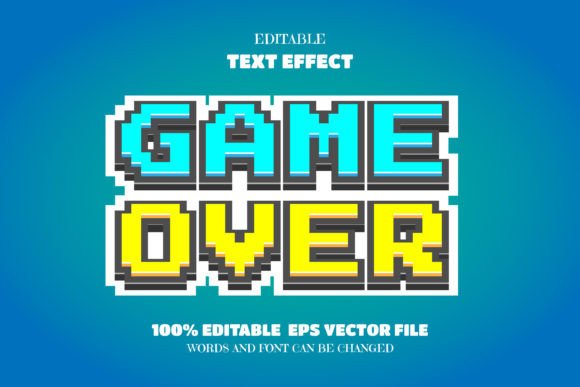
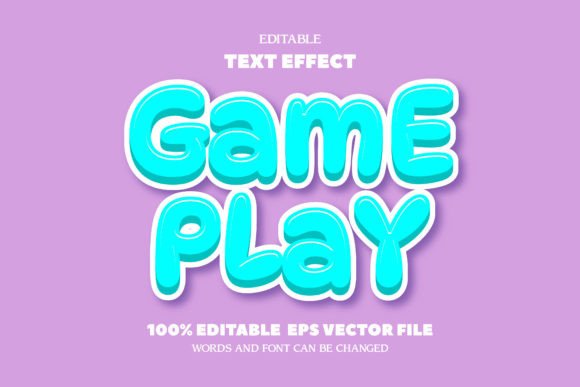
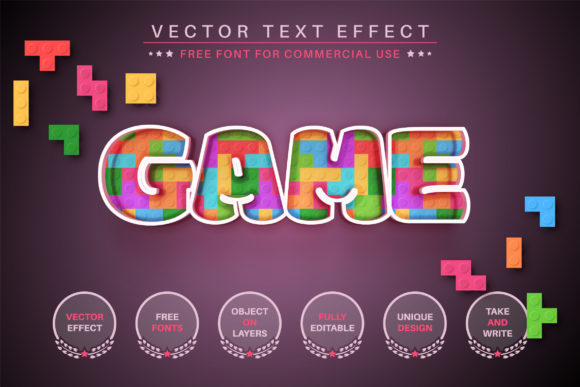
Imagine giving your words a playful, three-dimensional personality with just a few clicks. That's the experience offered by the Puzzle Game - Editable Text Effect, Font. This isn't a traditional typeface but a dynamic vector effect that transforms your text into a clever, interlocking design, perfect for projects that need a standout, tactile look.
Created by designer Alexander Gusev, this asset is built for flexibility. The effect is applied to your own text, meaning you can type any word or phrase and instantly see it rendered in a unique puzzle-piece style. Since the core files are in vector format (AI and EPS), there's no limit to scalability. You can resize your text from a small social media icon to a massive banner without losing any quality, making it a versatile addition to your design toolkit.
Where Can You Use This Creative Font Effect?
The charming, hands-on aesthetic of the Puzzle Game effect lends itself to a wide variety of creative and commercial projects. It's particularly effective where you want to convey fun, intelligence, or a crafted feel.
- Brand Identity & Logo Design: Create a memorable logotype for a toy company, educational app, game studio, or any brand that values creativity and problem-solving.
- Packaging & Merchandise: Design eye-catching product labels, stickers, or apparel graphics that stand out on the shelf or in an online store.
- Poster & Editorial Design: Craft engaging headlines for posters, magazine covers, or book titles that invite the viewer to look closer.
- Social Media & Web Graphics: Generate scroll-stopping visuals for Instagram posts, YouTube thumbnails, or website hero sections that need a unique, tactile touch.
- Invitations & Greeting Cards: Add a personal and playful element to event invitations, holiday cards, or custom stationery.
Tips for Choosing and Using the Effect
To get the most out of this design asset, consider a few practical tips. First, always review the included documentation—the manuals provide clear instructions on how to edit colors, resize, and apply the effect in Adobe Illustrator (CC2014 or higher).
Think about readability. While the effect is decorative, ensure your final text remains legible for its intended use, especially at smaller sizes. The mood it sets is perfect for informal, creative, or youthful projects but might not suit very formal or serious contexts. Experiment with font pairing by combining your puzzle-text headline with a clean sans serif font for body copy to maintain balance and professionalism.
Finally, always check the licensing. The asset comes with free commercial fonts, but reviewing the terms ensures your use—whether for a personal blog or a client's product packaging—is fully covered.
Selecting the right visual elements, like a distinctive text effect, can significantly elevate a design. It helps establish a cohesive mood, strengthen brand identity, and present your project with a polished, professional edge. The Puzzle Game effect offers a specific kind of creative charm that can make your work memorable and engaging.