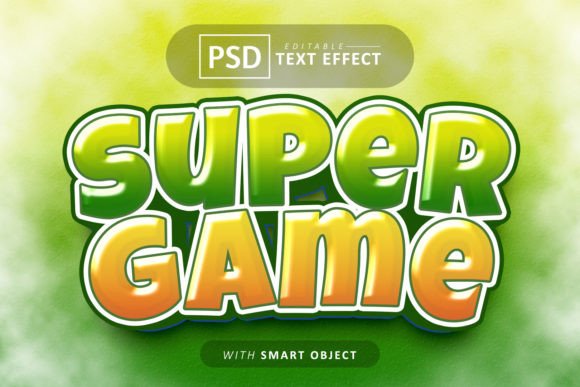
Over Game Text Effect: Transforming Your Designs Instantly
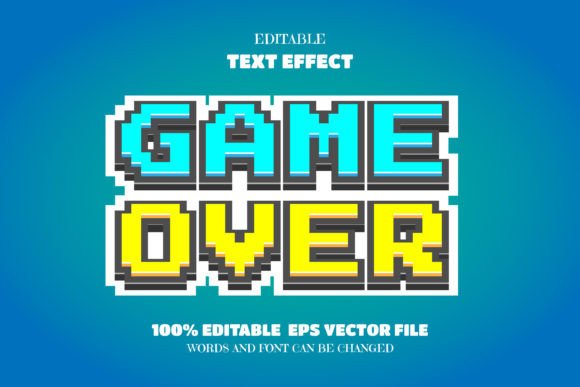
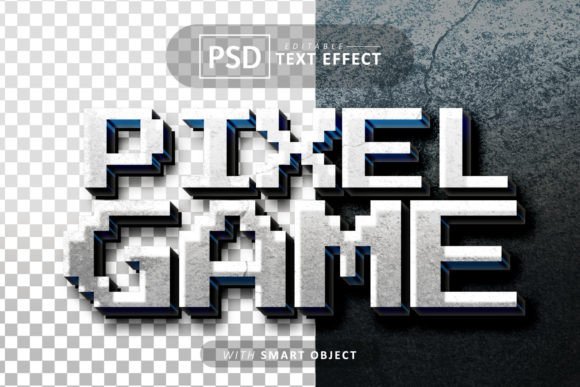
Capturing attention in a crowded digital space requires a unique visual hook, and the Over Game Text Effect provides exactly that. This resource is designed to be an easy way to present your text, shape, or logo in a cool, stylish manner without requiring advanced design skills. By leveraging the power of Photoshop smart objects, you can achieve a polished, high-end look for your projects in just a few minutes.
The core appeal of this asset lies in its simplicity and quality. It is fully compatible with Photoshop CC, making it accessible to most modern designers. The layers and folders are well organized, which means you don’t have to dig through a chaotic file structure to find what you need. Everything is streamlined for easy and fast editing.
Practical Applications for Modern Creators
Whether you are a freelance designer, a social media manager, or a content creator, versatility is key. This text effect is not just a one-trick pony; it serves multiple purposes across different platforms. The resolution is set at an impressive 4000(w) x 6000(h) pixels with 300 dpi quality. This ensures your final output is crisp and professional, suitable for both digital screens and print media.
Consider using this effect for:
- Poster and Flyer Design: Create eye-catching headlines that stand out from the background.
- Social Media Assets: Design striking Facebook covers or YouTube banners that increase click-through rates.
- Branding Elements: Develop unique logos or merchandise designs that require a modern typography feel.
- Cinematic Titles: The style works perfectly for movie titles, YouTube video intros, or website headers.
Why Typography and Effects Matter in Branding
Choosing the right typeface and visual effect is crucial for establishing a strong brand identity. The visual weight of your text communicates your message before the audience even reads the words. A premium font paired with a high-quality effect, like the one provided here, adds a layer of professionalism to your editorial design or packaging design.
The specific font used in this package is OVER GAME. It is a display font characterized by its bold, modern aesthetic. When selecting a creative font for a project, it is important to ensure that the mood of the typeface matches the content. For instance, a heavy, impactful display font is ideal for headers and logos but might be less suitable for long paragraphs of body text. Always test your font pairings to ensure readability and contrast.
Streamlining Your Workflow
One of the biggest challenges in design is balancing quality with time. The smart object feature included in this text effect significantly reduces production time. You simply place your design into the designated layer, and Photoshop automatically applies the complex styling, shadows, and textures. This allows you to focus more on the creative direction and less on technical execution.
When downloading design assets, always consider the licensing and the specific needs of your project. Ensure that the resolution meets your requirements and that the file format is compatible with your software version. By integrating high-quality assets like the Over Game Text Effect into your toolkit, you can elevate your work, improve visual consistency, and deliver designs that look distinct and memorable.
Ultimately, the right design asset is an investment in the quality of your work. It helps bridge the gap between a basic layout and a professional presentation, making your content more engaging and your brand more recognizable.
Download the OVER GAME font here.