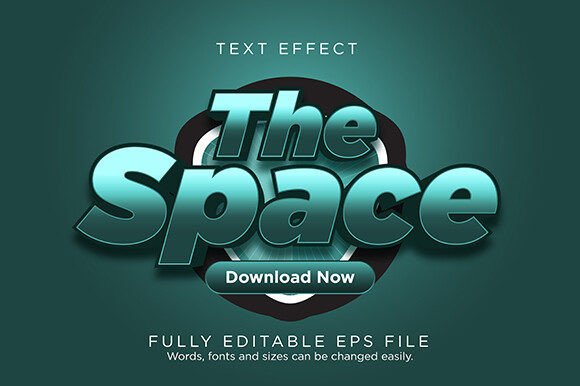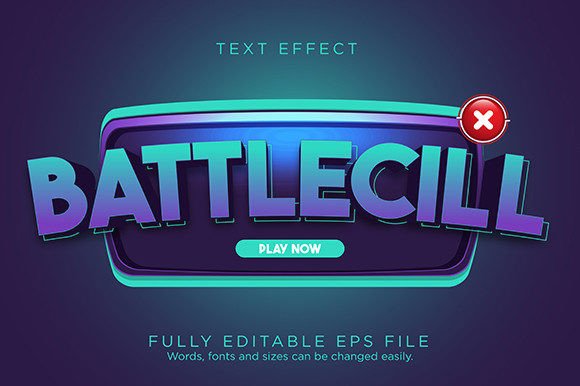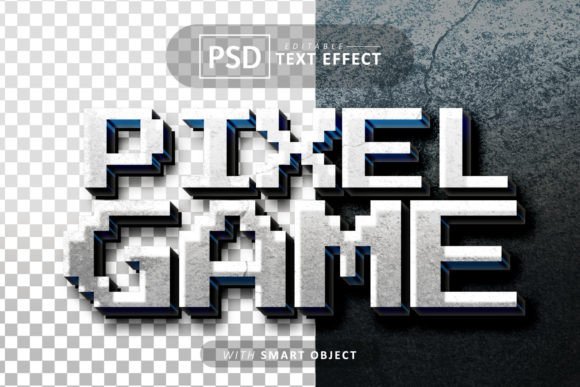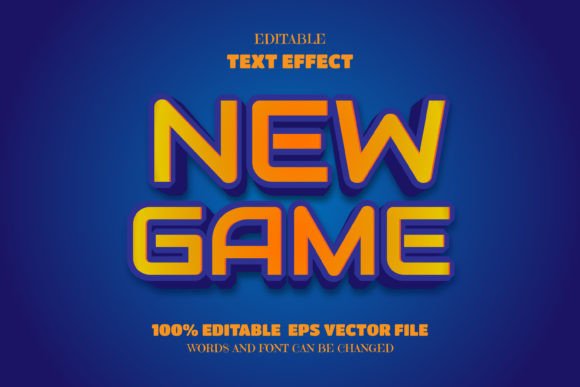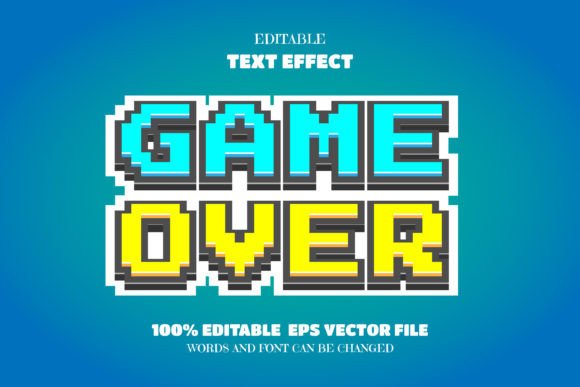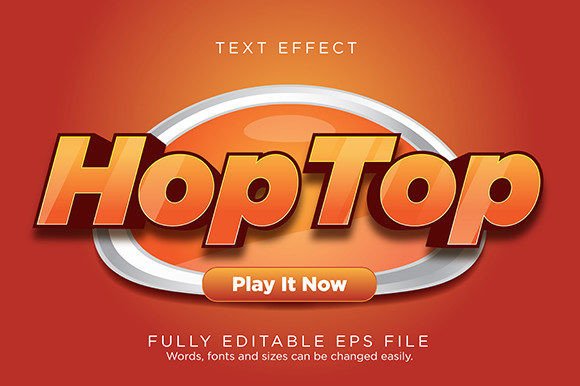
HopTop Game Text Effect Font Type
Capturing the dynamic energy of a video game interface can transform a standard design into an immersive experience. If you are looking to inject that specific, high-impact visual flair into your next project, the HopTop Game Text Effect Font Type offers a compelling solution. This is not just a static typeface; it is a fully editable text effect designed to give your typography depth, dimension, and a polished, professional finish.
Delivered as a versatile EPS file, this design asset provides significant creative freedom. Because the file is fully editable, you are not locked into a single look. You can change the words, swap the fonts, adjust the sizes, and modify the effect to suit your specific needs. This flexibility makes it an excellent resource for designers who want a high-quality starting point without spending hours building a complex text effect from scratch. It is designed to work seamlessly with Adobe Illustrator CC and newer versions, ensuring a smooth workflow for most modern design setups.
Creative Applications and Project Ideas
The visual style of a game text effect lends itself to a wide range of projects where you need to grab attention quickly. Its bold, dimensional quality makes it ideal for applications where text needs to stand out against busy backgrounds or convey a sense of action and modernity.
- Logo and Brand Identity: Create a standout wordmark for an esports team, a gaming channel, or a tech startup. The effect helps establish a strong, memorable brand identity that feels contemporary and energetic.
- Poster and Packaging Design: Use it for event posters, album covers, or product packaging, especially for items targeting a younger, tech-savvy audience. The depth of the effect ensures your headlines pop off the page.
- Social Media and Web Graphics: Design eye-catching thumbnails, banner ads, or social media posts that need to stop the scroll. The professional finish of the text effect adds credibility and visual appeal to your digital presence.
- Merchandise and Invitations: Apply it to t-shirt designs, stickers, or even bold, unconventional party invitations for a gaming-themed event.
Tips for Effective Implementation
While the effect is visually striking, using it effectively requires a thoughtful approach. To ensure your final design is both beautiful and functional, consider these practical tips.
First, always prioritize readability. A highly stylized display font can sometimes sacrifice legibility for style. Test your chosen words at the intended size to ensure they are clear. The editable nature of the EPS file allows you to experiment with different base fonts if the initial choice doesn't read well in your context.
Second, think about font pairing. A powerful display effect like this works best when contrasted with a clean, simple sans-serif or serif font for body text. This creates a clear visual hierarchy and prevents the overall design from feeling cluttered. The goal is to let the HopTop effect be the star, supported by complementary typography.
Finally, always check the license before using the font in commercial projects. Understanding the terms of use ensures you can apply the design asset confidently, whether for a client project, a product for sale, or your own brand materials.
Choosing the right typography is a critical step in elevating a design from good to great. A well-crafted text effect like this one can provide the visual punch needed to make a project feel complete, professional, and aligned with a specific creative vision. By offering editable vector formats, it empowers you to adapt a premium style to your unique requirements, making it a valuable addition to any designer's toolkit.